POS Kitchen Display Systems
POS Kitchen display systems that keep every order moving
Paper tickets slow a kitchen down. They fall off the rail, smudge under steam, and can't change once printed. As a result, orders get missed and tables wait longer.
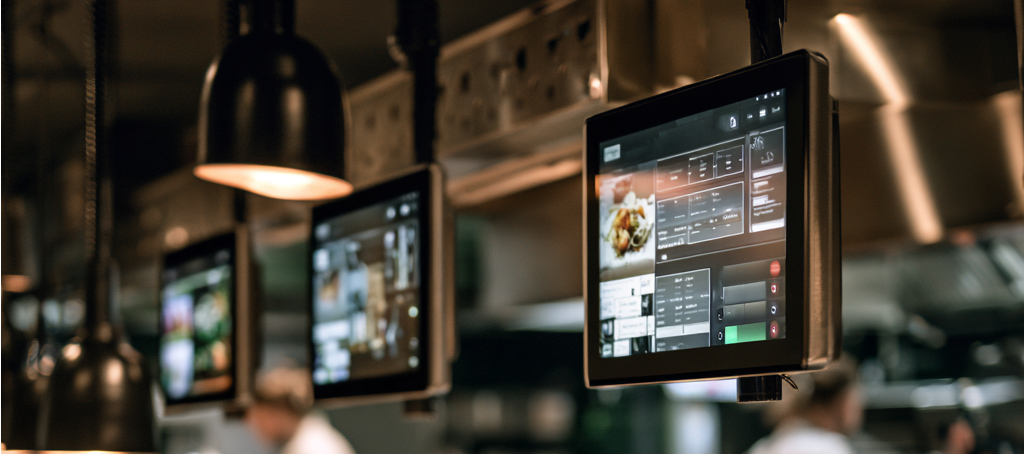
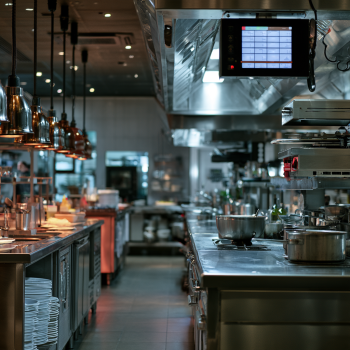
A kitchen display system (KDS) fixes that. Orders go from your POS straight to a screen at each station. Cooks see only the items they make. Then, when a dish is done, they bump it off with one tap.
Every ticket also shows a live timer. Tickets turn from green to amber to red as they age. That way, your team knows at a glance which orders need attention first. Edits and voids update instantly, so the line never cooks from an old ticket.
Choosing the right KDS starts with your POS. Clover restaurants get the best fit from Clover KDS. Aldelo Express restaurants use Aldelo's iPad-based KDS. Meanwhile, Logic Controls supplies rugged controllers and bump bars that hold up in the hottest kitchens.
That's the advantage of working with us. We don't sell one box and call it a fit. Instead, we map your stations and recommend the right screens. Then we handle installation, menu routing, staff training, and ongoing support.
POS Kitchen Display Systems We Install
From Clover to Aldelo to rugged kitchen hardware, we've got your line covered.
Clover KDS
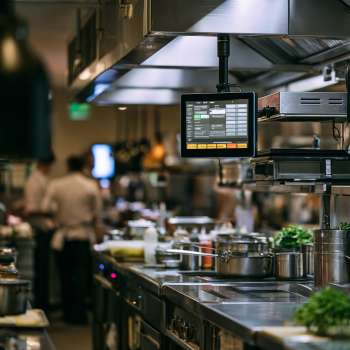
All-in-one kitchen screens built for Clover POS. Choose 14" or 24" displays with item-level routing, expo mode, and prep-time reports. Plus, Clover online orders land right on the line.
Aldelo Express KDS
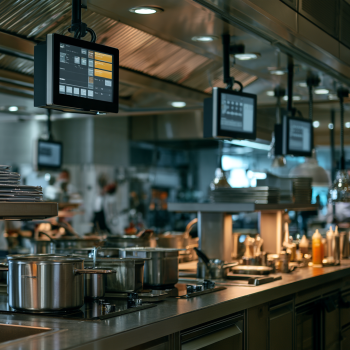
Built for restaurants, bars, pizzerias, and food trucks. Table layouts, waitlists, online ordering, kiosks, and delivery — on affordable iPad or Android hardware, backed by 24/7 support.
Logic Controls
Rugged KDS hardware built for heat, grease, and spills. Fanless KP40 controllers run silently 24/7. Programmable KB1700 and KB9000 bump bars let cooks bump orders without touching the screen.
POS Kitchen Display Systems FAQ
-
What is a kitchen display system?
A KDS is a screen that shows orders in the kitchen instead of paper tickets. Orders arrive from the POS instantly, and cooks bump them when done.
-
Which KDS works with my POS?
Clover KDS works with Clover POS. Aldelo Express KDS works with Aldelo Express POS. Logic Controls hardware pairs with many POS and KDS systems, and we'll confirm compatibility first.
-
Can I keep my kitchen printers?
Yes. Both Clover and Aldelo can run alongside printers. For example, many kitchens keep one printer for backup or runner tickets.
-
Do I need a bump bar?
Not always. However, a bump bar helps when cooks have wet or greasy hands. It also keeps grease off the screen.
-
Do you install kitchen displays outside NYC?
Yes. We install and support kitchen displays across New York, New Jersey, Connecticut, and Pennsylvania.
220+
Merchants Serviced
95%
Satisfaction Rate
$50 M+
Processing Volume
Book a 30-min call. We'll help you pick the right kitchen display for your line.